
Our Process
OMNI blvd® helps local businesses launch AI + automation systems quickly with
seamless onboarding, setup, optimization, and ongoing support.
From signup to results fast.
Our streamlined process gets your AI-powered business systems live in days, not months.
STEP 01
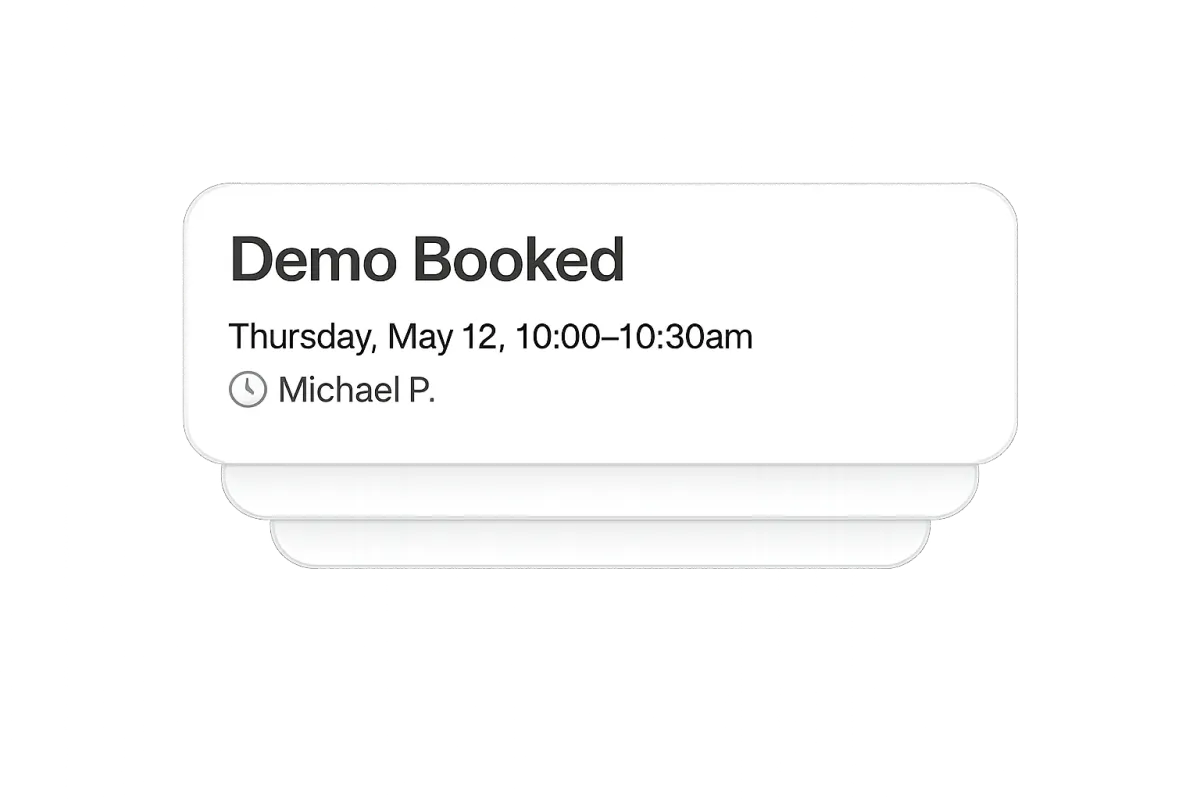
Book a Demo
We'll learn about your goals, challenges, and see if OMNI blvd® is the right fit for your business.
STEP 02
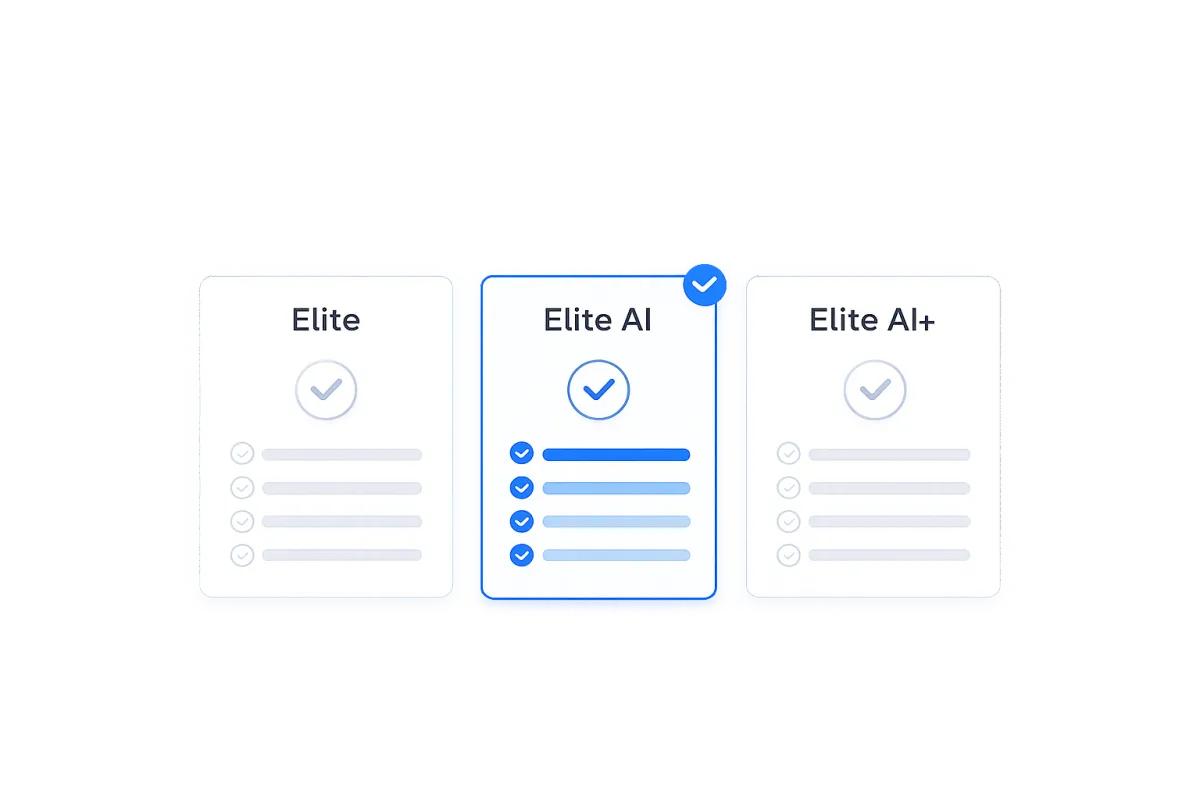
Choose Your Plan
Pick the plan that matches your needs Elite, Elite AI, or Elite AI+ based on how much support you want.
STEP 03
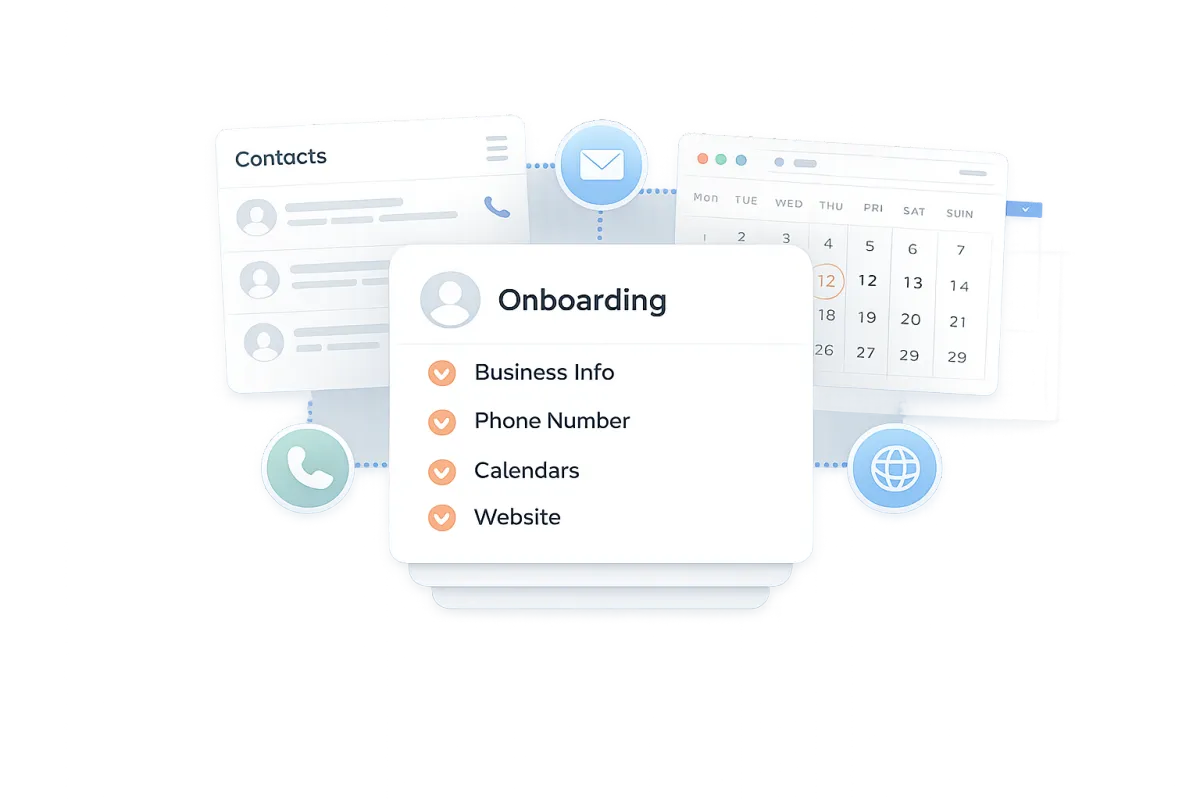
Onboarding & Access
Connect your business info, phone numbers, calendars, website, and everything we need to get started.
STEP 04
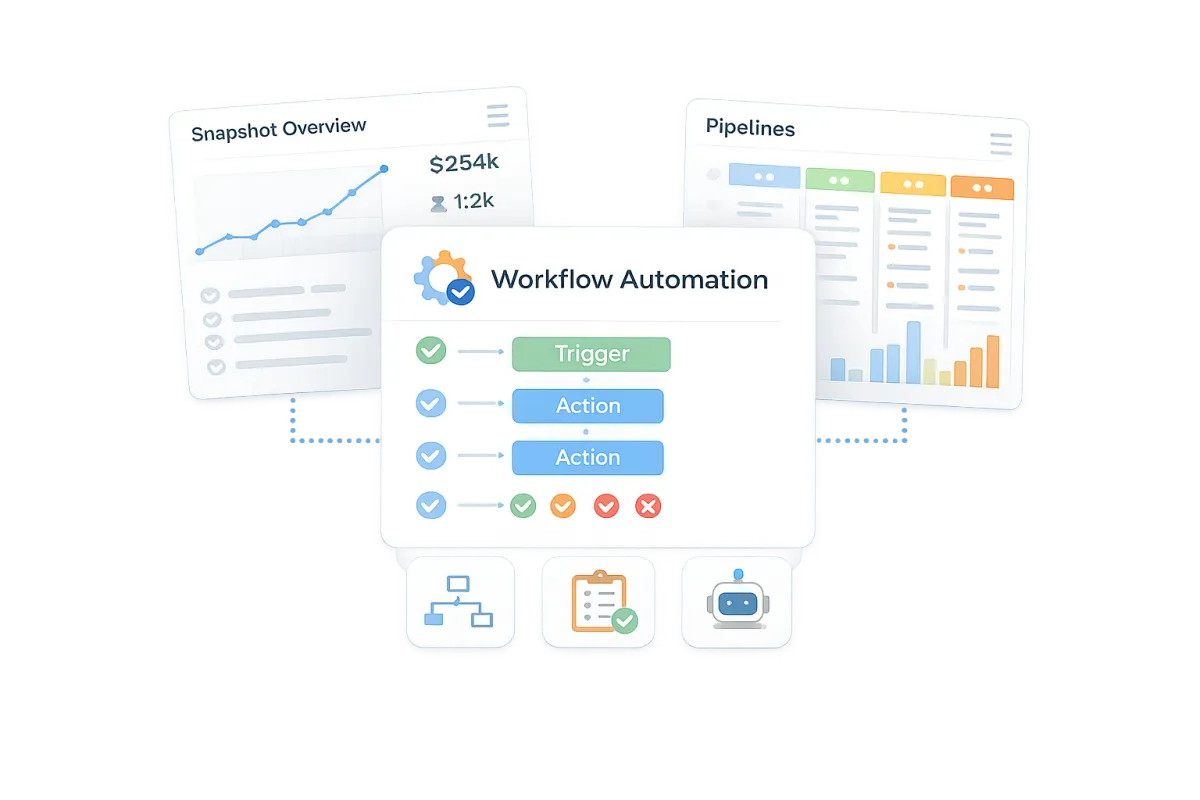
Snapshot + Setup
We install your industry-specific snapshot with pipelines, workflows, automations, and AI agents pre-configured.
STEP 05
Launch
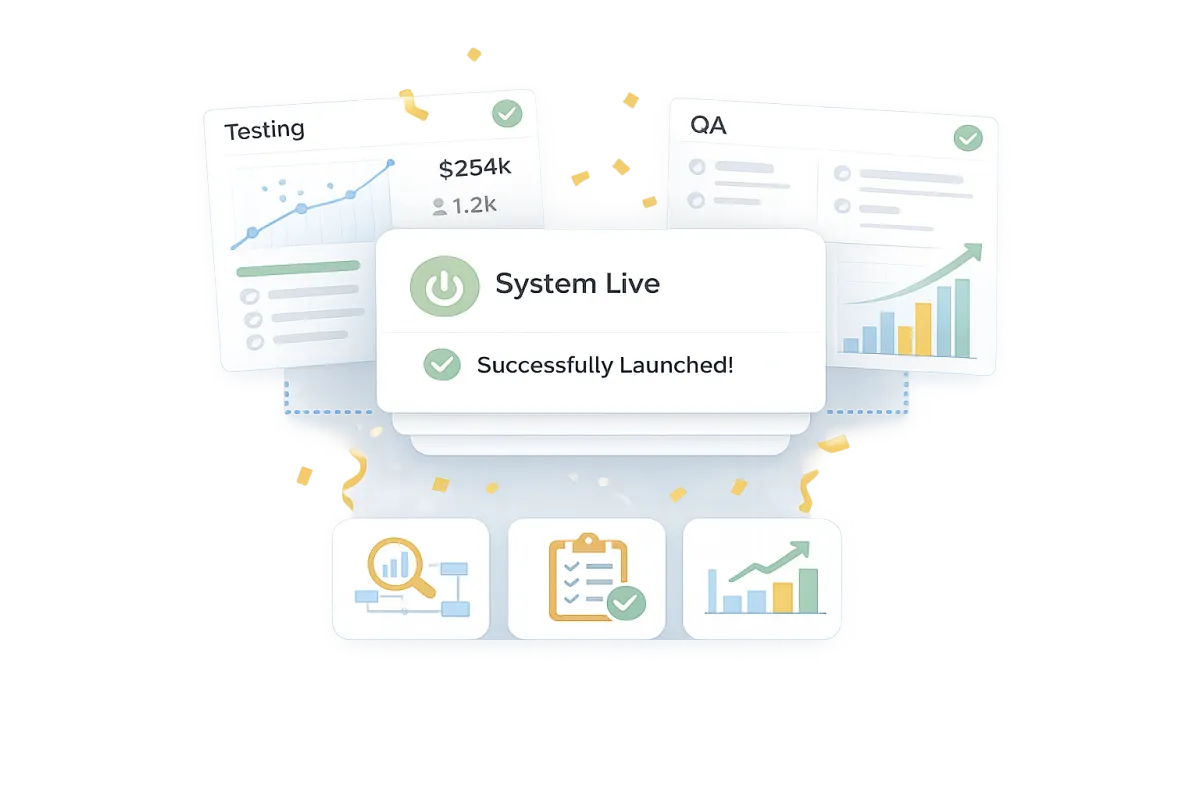
Your system goes live. We run testing, QA, and tracking to make sure everything is firing on all cylinders.
STEP 06
Optimize
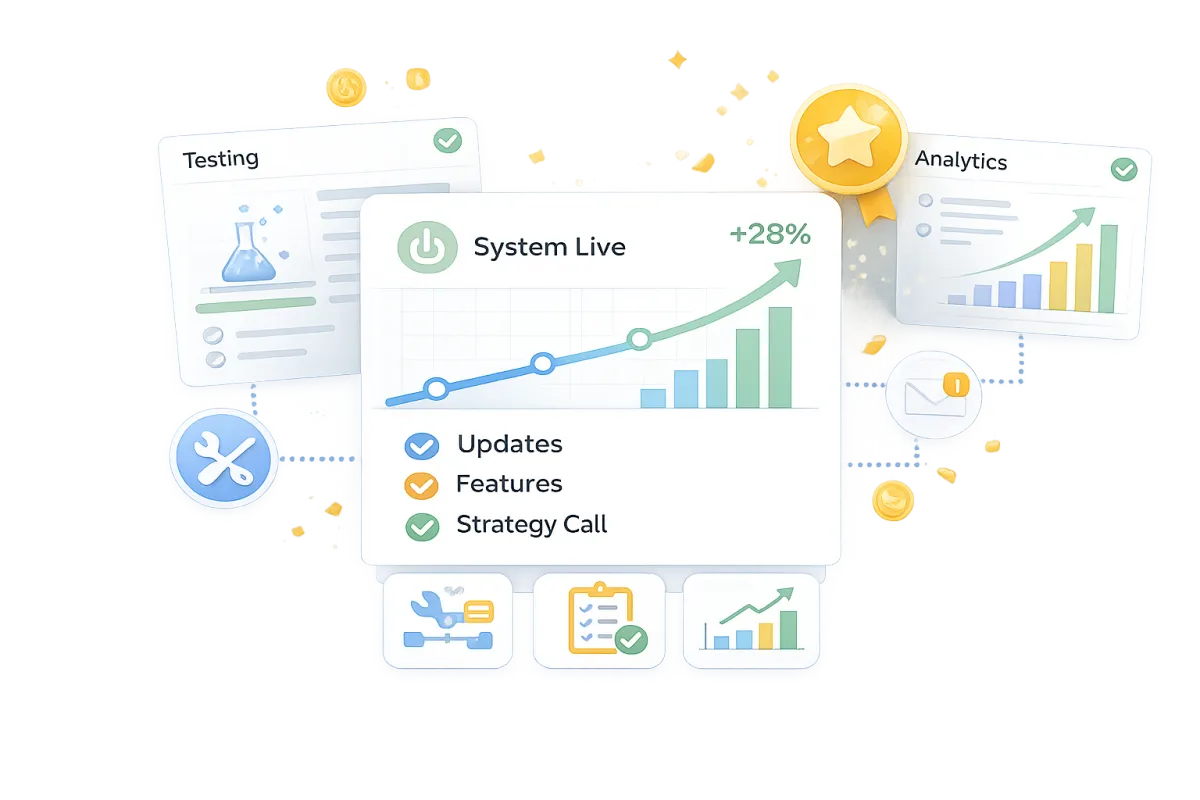
Monthly improvements, ongoing support, feature updates, and strategy calls to keep you ahead of the game.
You're no longer running this alone.
You're connected to a real team.
Your systems get structured.
You're not the only one watching.
We're inside your CRM with you.
What we'll need from you
To get your system up and running quickly, we only need a few basic details about your business. This helps us configure everything correctly and launch your automation without delays.
Business information
Your business name, email address, and phone number.
Website or domain access
So we can connect and configure integrations if needed.
Google Business Profile access
Helps us connect reviews, messaging, and local visibility.
Booking preferences
Your calendar availability or preferred booking link.
Payment processor access
If you plan to accept payments, we'll integrate Stripe, PayPal, or your preferred provider.
FAQs
What exactly is OMNI blvd®?
Think of it as your all-in-one business hub. CRM, calendars, website builder, marketing tools and AI agents all live under one roof so you don’t have to juggle a dozen apps.
How do I access the software?
You can access our software from browser at app.omniblvd.com and you can also download the app from the AppStore or Google Play.
How many users can I have on my plan?
All our Elite Plans are Unlimited users/staff and unlimited customers.
How do I cancel?
You can access our software from browser at app.omniblvd.com and go to the billing sections to cancel, upgrade, or downgrade.
Start Today
Get OMNI blvd® before your competition does!
Navigation
Get Started
Resources
Policy
Mobile App

Desktop App






© Copyright 2026. OMNI blvd®. All Rights Reserved.