Email Marketing Automation for Small Business: 6 Automated Emails That Keep Customers Coming Back
Most small business owners know they should be sending email. Far fewer actually do it consistently. Between serving customers, managing a team, and keeping the lights on, the newsletter slips to "next week" and then to "next month." Meanwhile, leads go quiet, past customers drift away, and revenue that was already within reach never arrives.
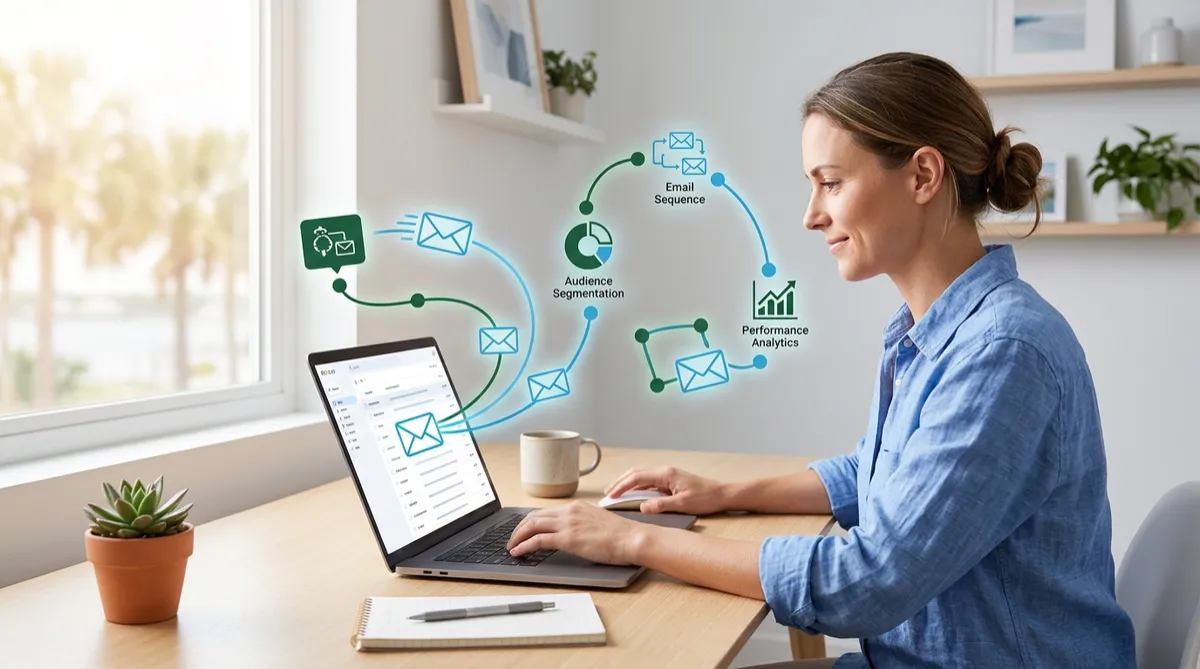
The fix is not working harder. It is email marketing automation: a small set of well-written emails that send themselves at exactly the right moment. In this guide, we will walk through six automated emails every local business can set up, explain how the OMNI blvd® Automation Engine and Email Builder make each one simple to run, and share a practical plan for getting started this week.
Why Email Automation Works for Small Businesses
Email remains one of the few marketing channels you fully own. You do not pay per click, and you are not at the mercy of a social algorithm. When you pair that ownership with automation, you get consistency without extra labor.
Automation is about timing, not volume
A common misconception is that automated email means sending more email. In reality, the best automations send fewer, more relevant messages because each one is triggered by something the customer actually did: filling out a form, booking an appointment, completing a purchase, or going quiet for a while.
What you gain
- Consistency: Every new lead and customer gets the same quality of follow-up, even on your busiest days.
- Relevance: Messages match where the person is in their journey, so they feel helpful rather than random.
- Time back: You build each email once and let it work in the background.
- Measurable results: You can see which messages get opened, clicked, and replied to, then improve them.
The 6 Automated Emails Every Local Business Should Have
You do not need a complicated funnel with dozens of branches. Start with these six, in this order.
1. The Welcome Email
The moment someone joins your list or submits a form is the moment their interest is highest. A welcome email sent within minutes sets expectations, introduces your business, and gives them an easy next step.
- Thank them by first name and tell them what to expect.
- Share one useful resource, such as a short guide, a checklist, or your most popular service.
- Include a single clear call to action, like booking a call or replying with a question.
Example: A Sarasota landscaping company sends a welcome email with a seasonal lawn-care checklist and a button to request a free estimate. The checklist earns trust; the button captures intent.
2. The Booking Confirmation and Preparation Email
Confirmations reduce confusion, and preparation emails reduce no-shows. Send a confirmation right after someone books, then a short reminder with directions, what to bring, and a link to reschedule.
This email gets opened more than almost any other because the customer is expecting it. Use that attention to build confidence: introduce the team member they will meet, or answer the two questions people always ask before a first visit.
3. The Educational Nurture Sequence
Not every lead is ready to buy right away. A short sequence of three to five educational emails, spaced a few days apart, keeps your business top of mind while you earn credibility.
- Email one: Address the most common problem your customers face.
- Email two: Share a quick story or example of how you solved it.
- Email three: Answer a frequent objection, such as price or timing.
- Email four: Invite them to take the next step with a simple offer or consultation.
Keep each message short, focused on one idea, and written the way you would explain it face to face.
4. The Post-Service Thank-You and Review Request
The best time to ask for a review is right after a great experience. Trigger an email when a job is completed or an appointment ends, thank the customer sincerely, and include a direct link to your Google review page.
Pair this with a text message follow-up for best results. Together, the two channels make it easy for happy customers to say so publicly, which strengthens your local search presence over time.
5. The Reactivation Email
Customers rarely leave on purpose. They simply get busy. When a contact has not engaged in 60 to 90 days, an automated check-in can bring them back.
- Lead with something helpful, such as a seasonal reminder or a new service.
- Make it personal and low pressure: "We have not seen you in a while, and we wanted to say hello."
- Offer an easy way to rebook with one click.
6. The Anniversary or Milestone Email
Celebrating a customer's one-year anniversary, a service milestone, or even their birthday builds loyalty at almost no cost. These messages feel human, and they give you a natural reason to invite a referral or introduce a new offer.
How to Build These Emails with the OMNI blvd® Platform
Setting up automation should not require a technical team. The OMNI blvd® CRM brings your contacts, forms, calendars, pipelines, and email together in one place, so each message can be triggered by real customer activity.
A simple setup process
- Create your triggers. Choose the events that start each email, such as a form submission, a booked appointment, a completed job, or a period of inactivity.
- Design with the Email Builder. Use a drag-and-drop layout and add personalization like first name, service type, or appointment time.
- Add smart waits and conditions. Space messages sensibly and stop a sequence automatically when someone replies, books, or buys.
- Combine channels. Pair email with SMS so that time-sensitive messages are seen quickly and detailed ones live in the inbox.
- Review the numbers. Check opens, clicks, replies, and bookings in your reporting dashboards, then refine subject lines and offers.
Where AI helps
The OMNI blvd® AI Suite can help draft subject lines, suggest message variations, and answer replies promptly, so a conversation that starts in the inbox does not stall. You stay in control of tone and approvals while AI handles the repetitive work.
Best Practices for Email That Gets Read
- Write for one person. Use "you," keep sentences short, and avoid jargon.
- Make subject lines specific. Clear and honest beats clever and vague.
- Use one call to action per email. Multiple asks dilute the response.
- Respect permission. Only email people who opted in, and always include an easy unsubscribe option.
- Check mobile first. Most emails are opened on a phone, so use short paragraphs and large buttons.
- Keep your list clean. Remove addresses that bounce or never engage so your messages reach real inboxes.
What Results Can You Expect?
Results vary by industry and list quality, but the pattern is consistent. Businesses that automate their welcome, reminder, review, and reactivation emails typically see more booked appointments from existing leads, fewer missed visits, and a steadier flow of reviews. The return comes less from any single email and more from the fact that nothing falls through the cracks. Track bookings and repeat purchases that start from an email, and you will quickly see which messages deserve the most attention.
Your 7-Day Launch Plan
- Day 1: Write down your top three customer questions and your most common service.
- Day 2: Draft your welcome email and set it to send when a form is submitted.
- Day 3: Build your booking confirmation and reminder emails.
- Day 4: Write a three-email educational sequence.
- Day 5: Create your post-service thank-you and review request.
- Day 6: Set up a reactivation email for contacts inactive for 90 days.
- Day 7: Test every automation with your own email address, then turn them on.
Frequently Asked Questions
How many automated emails should a small business start with?
Start with the six outlined above. They cover the full customer journey from first contact to repeat business, and you can add more once these are running smoothly.
Will automated emails feel impersonal?
Not if they are written well. Use the customer's name, reference what they did, and write in your own voice. Automation controls the timing; the warmth comes from your words.
How often should I email my list?
Triggered emails send when a customer takes an action. For general updates, a monthly or twice-monthly rhythm is plenty for most local businesses. Quality and relevance matter more than frequency.
Should I use email, SMS, or both?
Both, ideally. Use SMS for quick, time-sensitive messages like reminders and use email for details, education, and longer explanations. A multi-channel approach reaches customers where they are most likely to respond.
How do I know if my email automation is working?
Watch open rates, click rates, replies, and most importantly, bookings and revenue attributed to each sequence. If a message is not performing, adjust the subject line or call to action first.
Conclusion
Email marketing automation is not about replacing the personal touch that makes local businesses special. It is about making sure that touch happens every time, on time, without depending on anyone's memory. Start with a welcome email, add reminders and review requests, and build from there. Within a few weeks, you will have a quiet, dependable system working for you around the clock.
Ready to Put Your Follow-Up on Autopilot?
Discover how the OMNI blvd® Platform can turn your email, text, and CRM into one automated growth system. Schedule a free consultation with the OMNI blvd® team and we will help you map out your first six automations, tailored to your business.


