
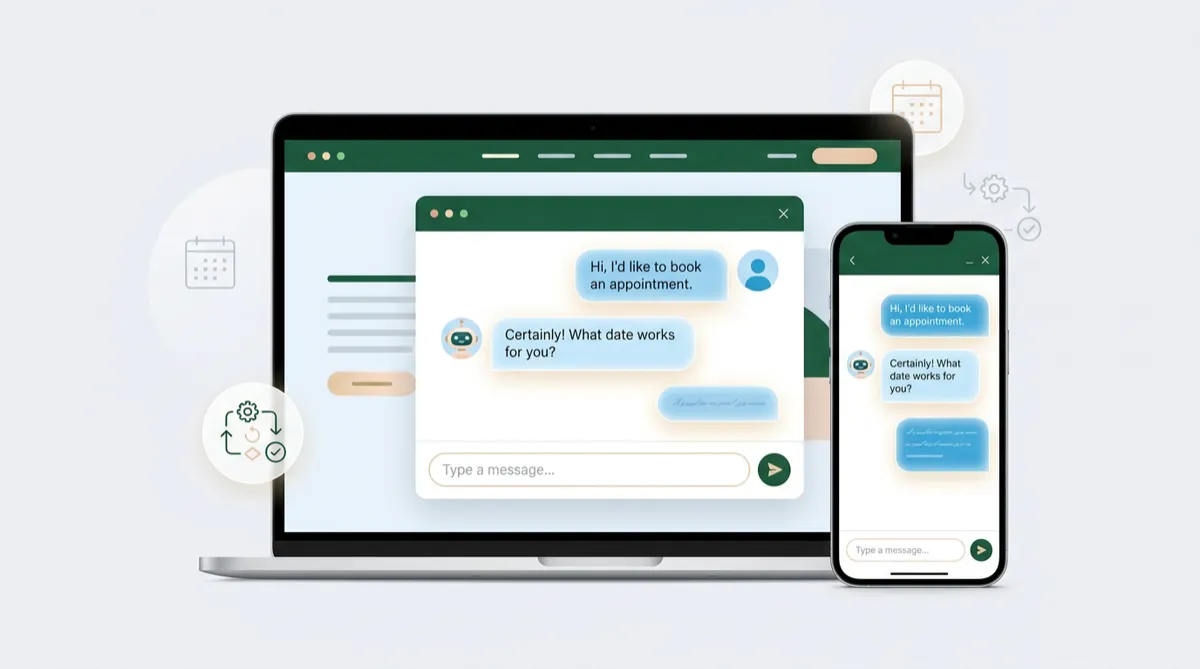
AI Chatbots for Website Lead Capture: Turn Visitors into Booked Appointments
Picture this: it is 9:40 on a Tuesday night. A homeowner is comparing three local contractors on their phone. They land on your website, have one simple question about pricing and availability, and find a contact form promising a reply "within one business day." Two tabs later, they are chatting with a competitor who answered in seconds.
Most small business websites lose visitors exactly this way. Not because the service is weaker, but because the first conversation happens too slowly. An AI chatbot changes that. Done well, it greets visitors instantly, answers real questions, collects contact details, and books appointments directly on your calendar, all without adding to your team's workload.
In this guide, you will learn what a modern AI chatbot can (and cannot) do, how to set one up step by step, and how to measure whether it is paying for itself.
Why Contact Forms Alone No Longer Convert
Forms are not dead, but they ask visitors to do a lot of work: find the form, fill out several fields, and then wait. Visitors today expect a conversation, not a ticket number.
The Three Gaps Chatbots Close
- The speed gap: Prospects who get an answer immediately are far more likely to stay engaged than those who wait hours.
- The hours gap: Many people browse services in the evening or on weekends, when your office is closed.
- The friction gap: Typing a quick question into a chat window feels easier than completing a long form.
A chat experience does not replace your forms. It sits beside them and catches the visitors who would otherwise leave.
What a Modern AI Chatbot Actually Does
Older chatbots followed rigid scripts and frustrated people with "Sorry, I didn't understand that." Today's conversational AI understands natural language, draws on your business information, and responds in a helpful, human tone.
The OMNI blvd® AI Suite lets you deploy a chat agent on your website that can:
- Answer common questions about services, service areas, pricing ranges, and hours using a knowledge base you control.
- Capture lead details such as name, phone number, email, and what the visitor needs.
- Qualify the lead by asking a few smart questions about budget, timeline, or location.
- Book appointments by checking real availability on your calendar and confirming the time.
- Hand off to a human when a conversation needs a personal touch.
Every conversation is saved to the contact record inside the OMNI blvd® CRM, so your team sees the full history before they ever pick up the phone.
Smarter Control Over Each Conversation
OMNI blvd® has introduced a platform enhancement that gives you visibility into the AI status of individual contacts. In practical terms, your team can see whether the AI agent is active for a specific person and step in when a conversation deserves human attention, such as a high-value prospect or a sensitive question. This protects the customer experience while still letting automation handle the routine work.
Who benefits most: service businesses, clinics, agencies, and professional firms where some inquiries are simple and others need a personal response.
How to Set Up an AI Chatbot That Converts: A 6-Step Plan
Step 1: Define One Clear Goal
Do not try to make the chatbot do everything on day one. Choose a single primary outcome, such as book a free estimate or schedule a discovery call. Every conversation should gently steer toward that outcome.
Step 2: Build a Strong Knowledge Base
The chatbot is only as good as the information behind it. Gather:
- Your services and what each includes
- Service areas and business hours
- Pricing ranges or "starting at" figures, if you share them
- Your top 15 to 20 frequently asked questions
- Policies on cancellations, warranties, or payment
Write answers the way you would explain them to a new customer in person: clear, friendly, and free of jargon.
Step 3: Set the Voice and Boundaries
Decide how your assistant sounds. A dental office might be warm and reassuring; a law firm, calm and precise. Also set boundaries: what the chatbot should never promise (exact quotes, legal or medical advice) and when it must escalate to a person.
Step 4: Connect Your Calendar
This is where the biggest return comes from. When the chatbot can offer real time slots and confirm bookings, visitors move from curiosity to commitment in one sitting. Connect it to your OMNI blvd® appointment scheduling so double-bookings, buffers, and team availability are respected automatically.
Step 5: Trigger Follow-Up Automation
Not every visitor books right away. Use the OMNI blvd® Automation Engine to react to what happens in the chat:
- If a visitor shares contact details but does not book, send a friendly text within minutes with a link to pick a time.
- If an appointment is booked, send a confirmation and reminders to cut down on no-shows.
- If a lead is flagged as high intent, notify a team member and create an opportunity in your pipeline.
Step 6: Place the Chat Widget Where It Matters
Show the chat on pages with buying intent: service pages, pricing pages, landing pages, and your contact page. On a blog article, a softer prompt such as "Have a question about this topic?" tends to feel more natural than an aggressive pop-up.
A Real-World Example: The Home Services Scenario
Consider a Sarasota landscaping company that receives most of its website traffic after 6 p.m. Before automation, those visitors filled out a form and waited until morning. After adding an AI chat agent, the flow looks different:
- A visitor asks, "Do you handle sod installation in Lakewood Ranch?"
- The chatbot confirms the service area, asks about the size of the yard, and shares a typical timeline.
- It collects the visitor's name and mobile number, then offers three open estimate slots.
- The visitor picks Thursday at 10 a.m. and receives an instant text confirmation.
- The owner arrives at work to find a booked estimate and a complete conversation summary in the CRM.
Nothing about this required extra staff. The only change was meeting the customer at the moment of interest.
Best Practices for Better Results
- Keep the greeting short and specific. "Looking for pricing or want to book a visit?" outperforms a vague "How can I help?"
- Ask for contact details early, but after delivering a little value. Trust first, details second.
- Review transcripts weekly. Real visitor questions reveal gaps in your knowledge base and ideas for new content.
- Be transparent. Let visitors know they are chatting with an AI assistant and make it easy to reach a person.
- Respect consent. When collecting phone numbers for text follow-up, make sure your messaging opt-in language is clear.
How to Measure ROI
You do not need complicated math to know whether the chatbot is working. Track these numbers inside your OMNI blvd® reporting dashboards:
- Chat-to-lead rate: the share of chat conversations that produce contact details.
- Chat-to-booking rate: the share of conversations that end in a scheduled appointment.
- After-hours leads: inquiries captured outside business hours, which are the clearest sign of revenue you were previously missing.
- Response time: how quickly a visitor receives a first reply.
- Close rate by source: how chat-originated leads compare to form and phone leads.
A simple formula: multiply your additional monthly bookings by your close rate and your average job value. Compare that against the time you save and the cost of the tool. Most local businesses find that capturing even a handful of extra after-hours customers each month justifies the investment.
Common Mistakes to Avoid
- Launching with a thin knowledge base, which leads to vague answers and lost trust.
- Hiding the human option. People should never feel trapped in a bot loop.
- Ignoring follow-up. A captured lead with no next step is a missed opportunity.
- Setting it and forgetting it. Your offers, prices, and hours change, so your chatbot should too.
Frequently Asked Questions
Will an AI chatbot replace my team?
No. It handles repetitive first conversations so your team can focus on high-value work: consultations, estimates, and relationships. Think of it as a front-desk assistant that never takes a day off.
How long does it take to set up a website chatbot?
A focused setup, with a knowledge base, calendar connection, and a basic follow-up workflow, can often be completed in a few days. The refining continues as you learn from real conversations.
Can the chatbot work alongside text messages and email?
Yes. Because conversations live in the OMNI blvd® CRM, a chat that starts on your website can continue by text or email, keeping every channel in one thread.
What if the chatbot does not know the answer?
You can set it to be honest about what it does not know, collect the visitor's details, and alert a team member to follow up. That is far better than guessing.
Is a chatbot only useful for large businesses?
Quite the opposite. Small teams benefit the most, because every missed inquiry represents a meaningful share of potential revenue.
Conclusion
Your website is working around the clock, but a silent website only captures the visitors patient enough to fill out a form. An AI chatbot turns that quiet traffic into live conversations, qualified leads, and confirmed appointments. Start with one goal, build a solid knowledge base, connect your calendar, and let follow-up automation do the rest.
The businesses that win online are rarely the ones with the flashiest websites. They are the ones that respond first and make booking effortless.
Ready to See It on Your Own Website?
Request a personalized demo of the OMNI blvd® AI Suite and see how a website chat agent can capture leads, answer questions, and fill your calendar while you focus on running your business. Explore the OMNI blvd® Platform and discover what always-on conversations can do for your growth.


